> ## Documentation Index
> Fetch the complete documentation index at: https://docs.gotohuman.com/llms.txt
> Use this file to discover all available pages before exploring further.
# Trigger forms
> Offer users input forms to launch an agent from a structured set of properties
### Create form
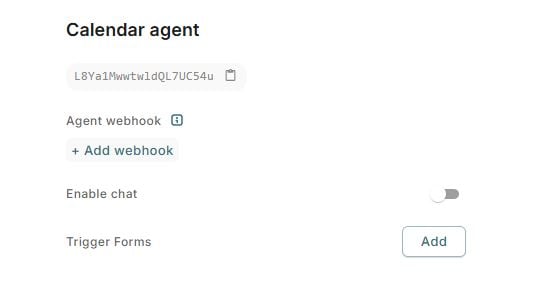
Creating a trigger form works similarly to adding fields to a tool review. Add a trigger form to an agent on its details page.
 ### Webhook
Trigger form submissions are sent to your [**agent webhook**](/agent-setup#agent-webhook). When a reviewer submits the form, gotoHuman posts a `event: "trigger.submitted"` event to your endpoint. See [Webhook events](/webhooks) for the full payload shape.
### Accessing the form
#### Inbox UI
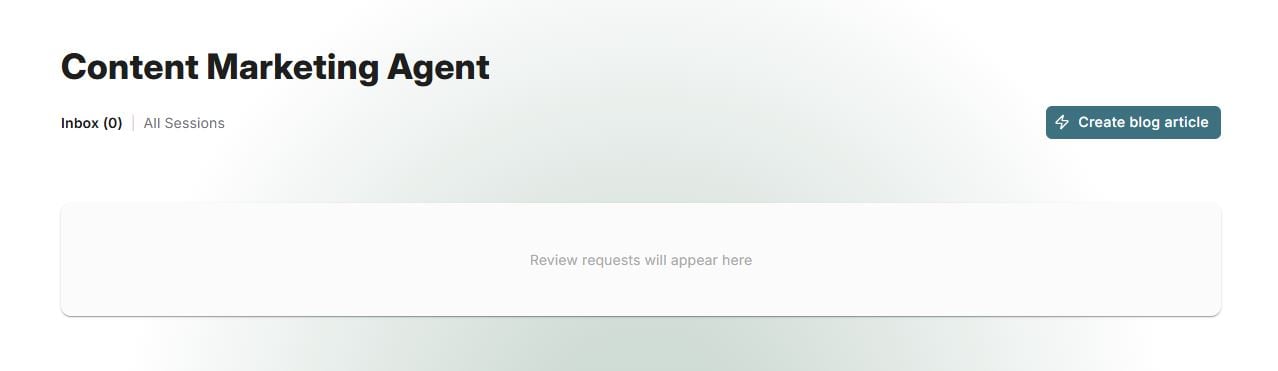
Every trigger form adds a button to your team's Agent Inbox, so it's easily accessible.
### Webhook
Trigger form submissions are sent to your [**agent webhook**](/agent-setup#agent-webhook). When a reviewer submits the form, gotoHuman posts a `event: "trigger.submitted"` event to your endpoint. See [Webhook events](/webhooks) for the full payload shape.
### Accessing the form
#### Inbox UI
Every trigger form adds a button to your team's Agent Inbox, so it's easily accessible.
 #### Static Link
The trigger form is accessible under a static URL, so it can be easily bookmarked and shared with other people added to your team.
Note, that the trigger form is currently only accessible in our authenticated environment, and not available to [external reviewers](/web-ui#external-reviewers).
#### Static Link
The trigger form is accessible under a static URL, so it can be easily bookmarked and shared with other people added to your team.
Note, that the trigger form is currently only accessible in our authenticated environment, and not available to [external reviewers](/web-ui#external-reviewers).