

Create form
You can add a trigger form to an agent on its details page. Composing the form works similarly to adding fields to a review type.Webhook
Add a webhook URL on the trigger form or on the agent. Submissions are sent there. When a reviewer submits the form, gotoHuman posts aevent: "trigger.submitted" event to your endpoint. See Webhook events for the full payload shape.The payload includes a
sessionId. Pass that value on later review requests to tie them to this workflow run.
Accessing the form
Inbox UI
Go to the agent’s page in the Agent Inbox. Use the filter in the side menu to select the agent. The button that opens the trigger form is on that page.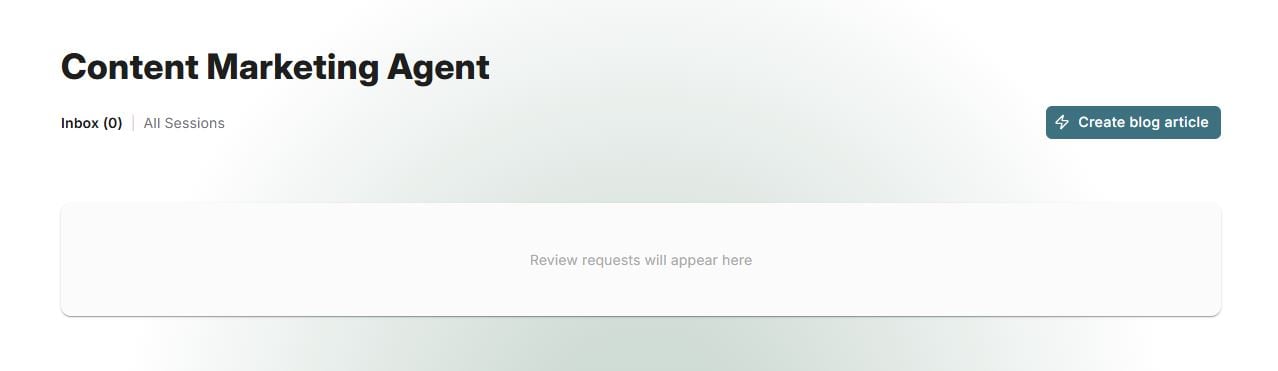
Static Link
The trigger form is accessible under a static URL, so it can be easily bookmarked and shared with other people added to your team.Note, that the trigger form is currently only accessible in our authenticated environment, and not available to external reviewers.